When Schematic Mod refuses to work, the cause is almost always one of a few simple problems. Work through this guide from the top, because the earlier fixes solve most cases.
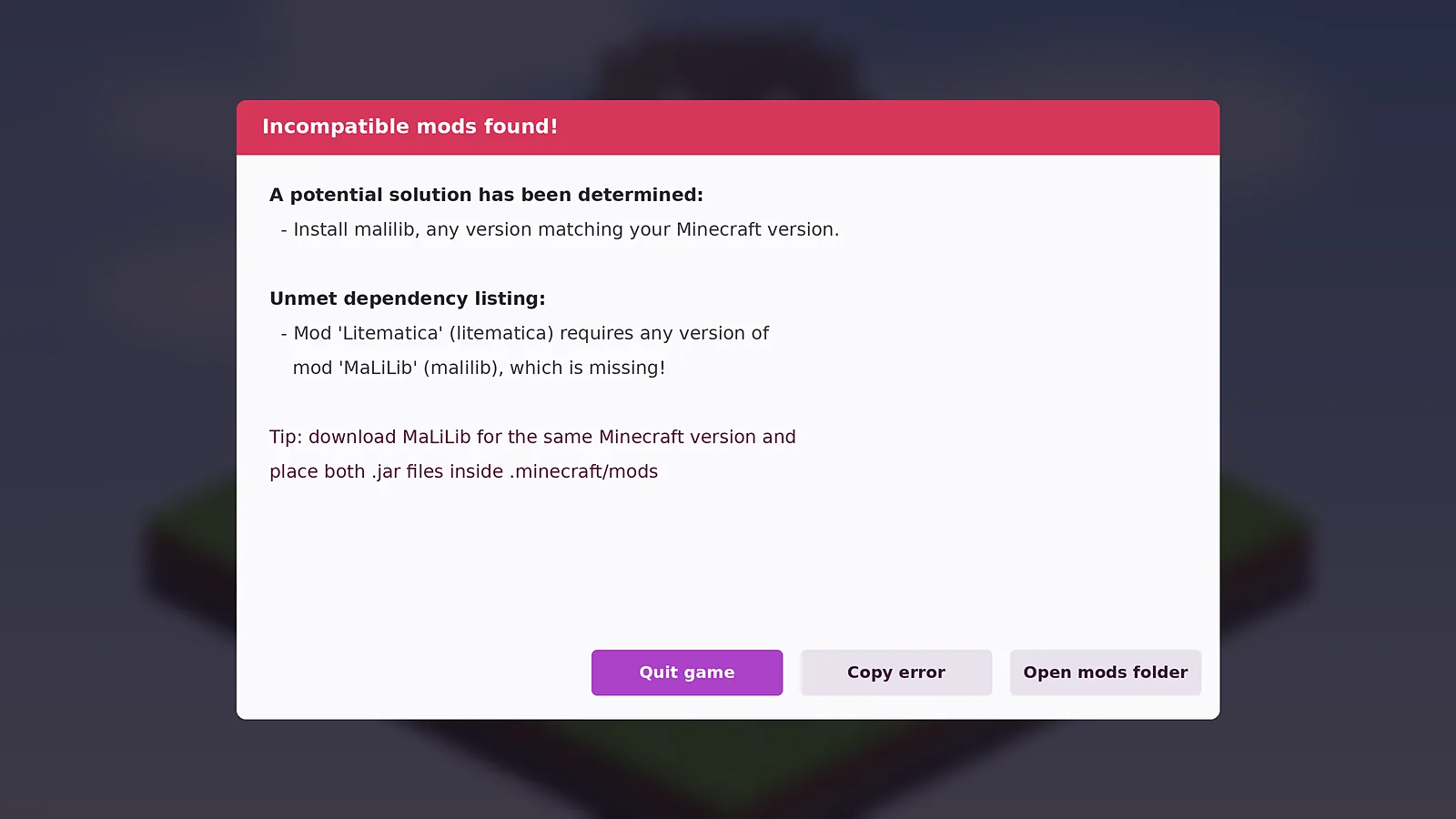
Crash: MaLiLib is missing
If Fabric shows an Incompatible mods found screen that mentions malilib, Litematica is installed without its library. Download MaLiLib for the same Minecraft version and put it in the mods folder next to Litematica.
Crash: version mismatch
A jar built for another Minecraft version causes a crash or a dependency error. Check that the game, Fabric Loader, Litematica and MaLiLib all target the same release, and delete older duplicates from the mods folder.
The M key does nothing
- Confirm you launched the Fabric profile, not vanilla.
- Look at the title screen mod count. Litematica should be listed.
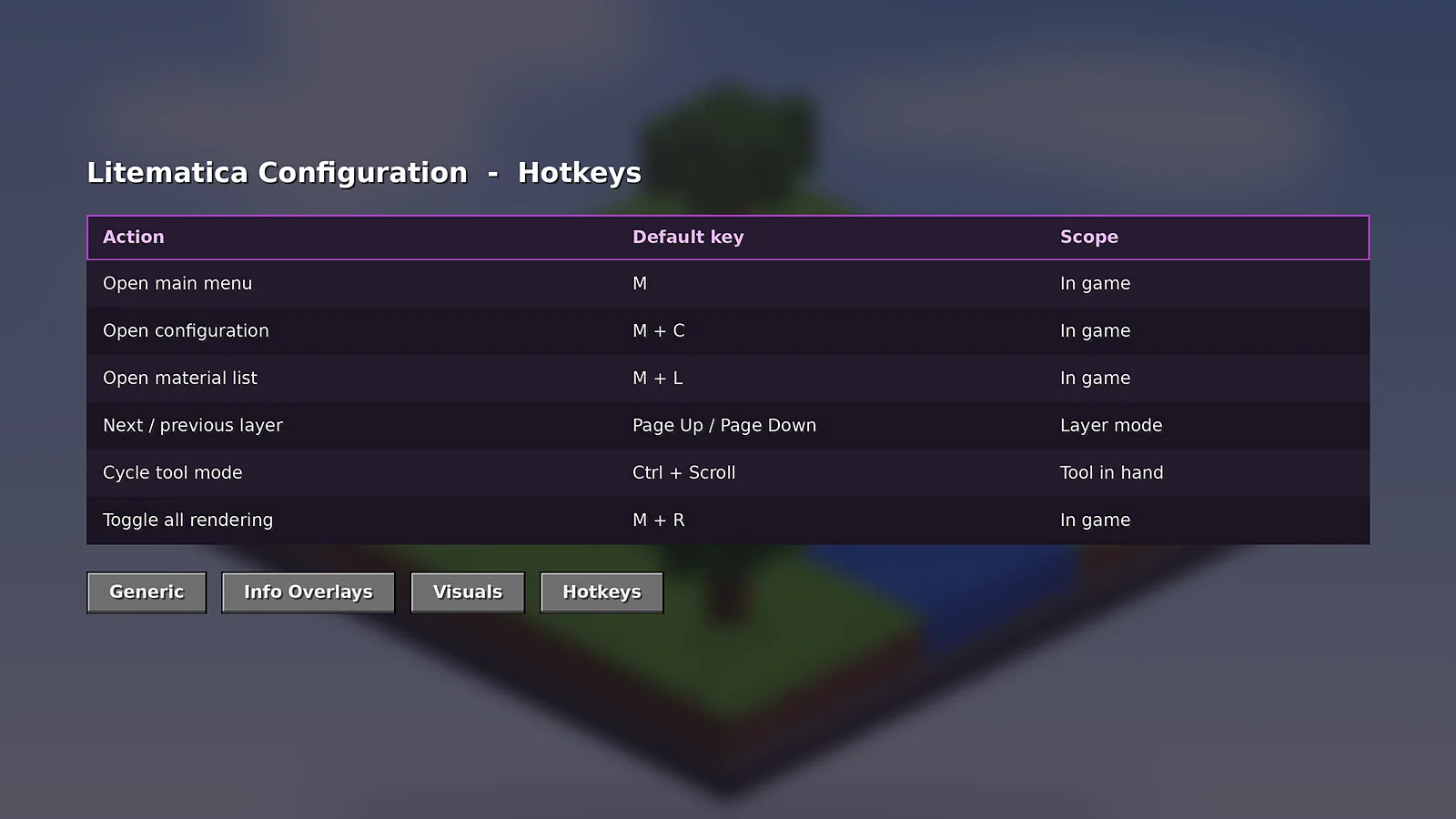
- Another mod may use M. Rebind it as shown in the hotkeys guide.
The hologram is invisible
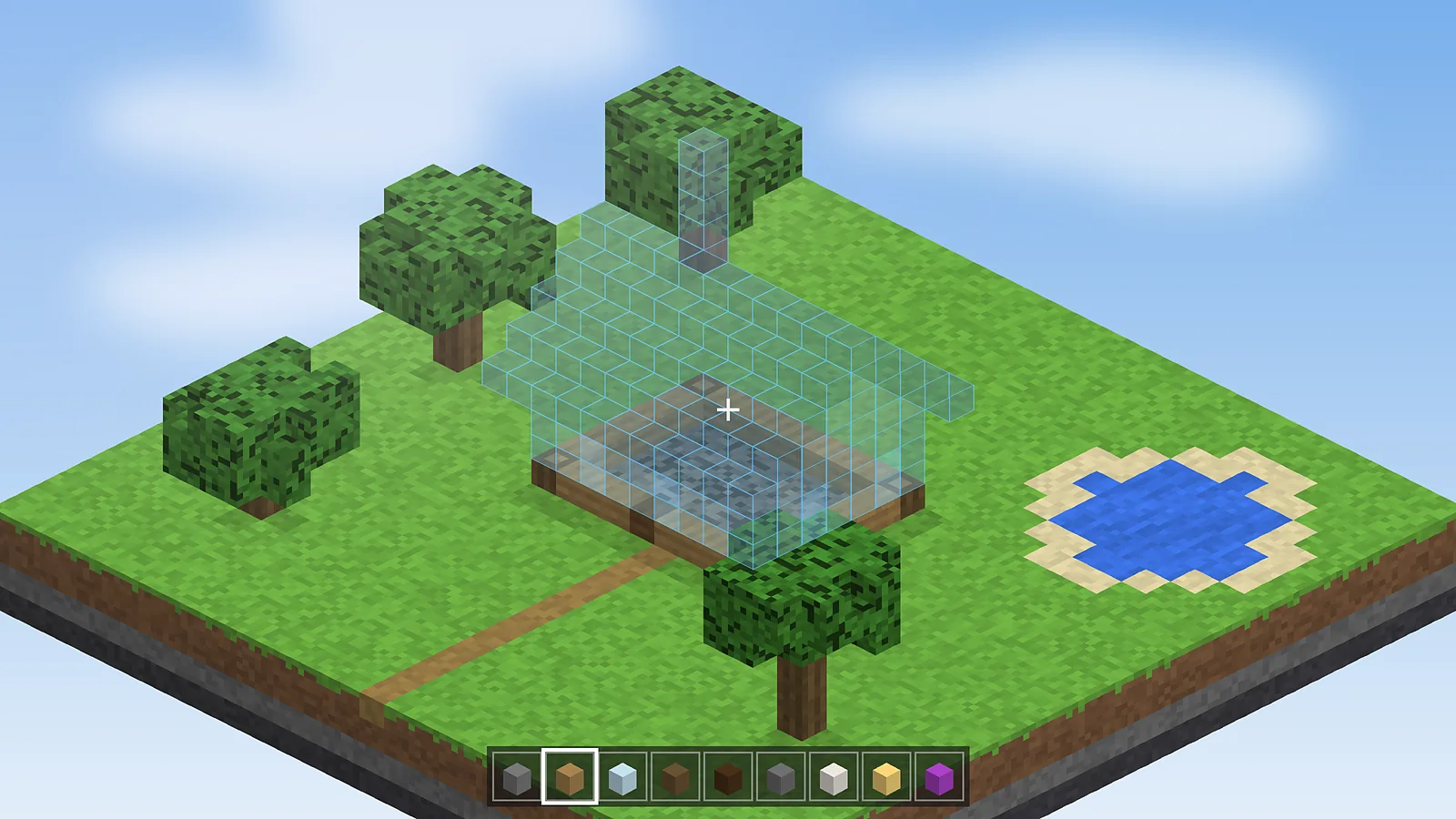
Press M + R to toggle rendering. Then open Schematic Placements and make sure your placement is enabled and that you are in the right dimension near its origin. Shader packs can hide translucent blocks, so test once without shaders.
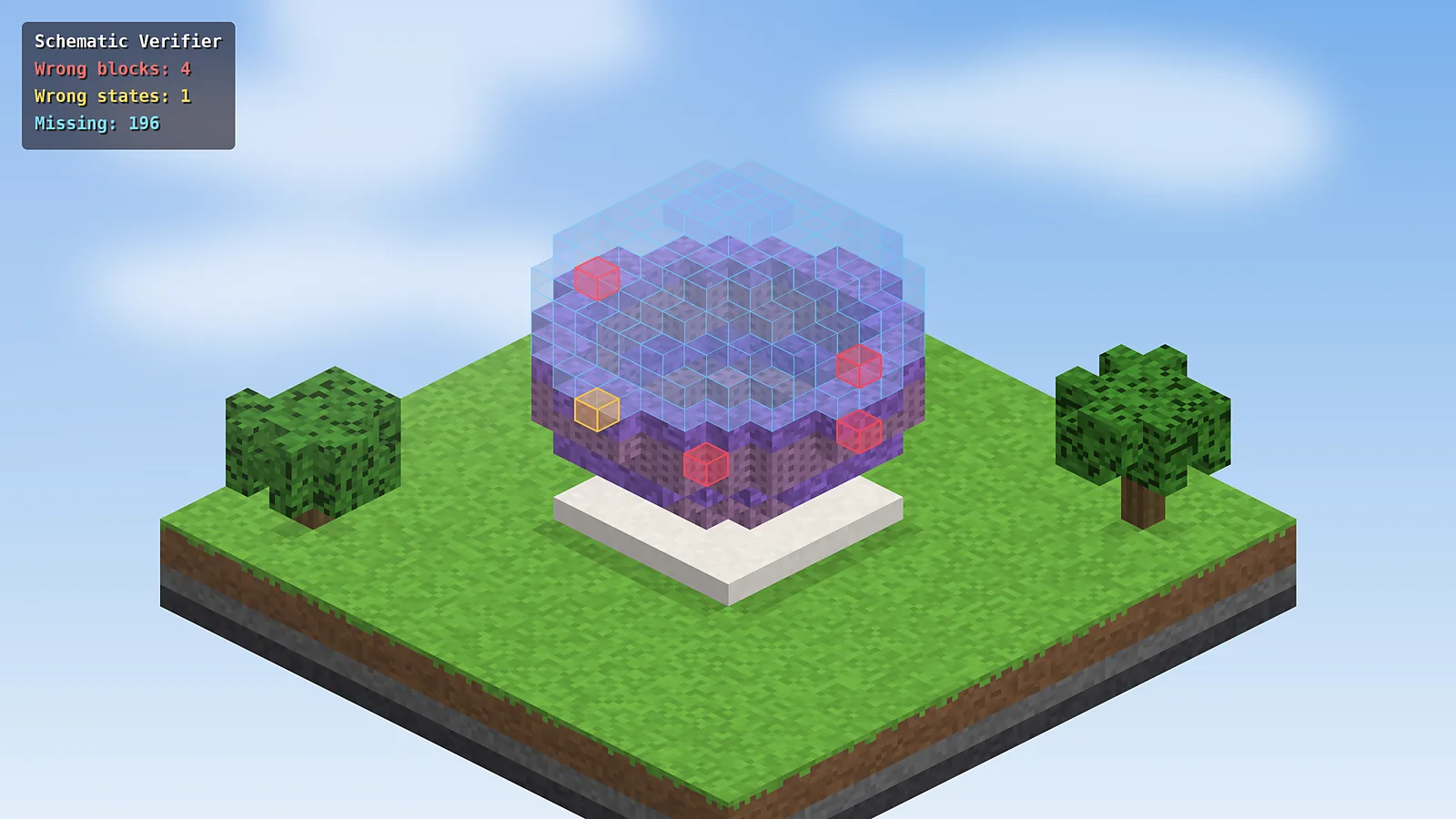
Wrong blocks keep appearing
Run the Schematic Verifier from the main menu. It lists wrong blocks, wrong states and missing blocks and highlights them in the world. Fix them one by one, and turn on Easy Place to stop rotation mistakes happening again.
Low FPS with large builds
- Render a single layer or a small range instead of all layers.
- Disable overlay rendering for areas that are already finished.
- Lower render distance while building.
- Give Minecraft 4 GB of memory in the launcher if your PC has 8 GB or more.
Reading a crash report
Open .minecraft/crash-reports and read the newest file. The top lines usually name the mod that failed. Search the GitHub releases and issues for that message before reporting a new bug.

Schematic Mod Editorial Team
Our editors write practical Litematica guides and check every article against the official Litematica and MaLiLib documentation and release notes. Spotted something outdated? Tell us and we will fix it.