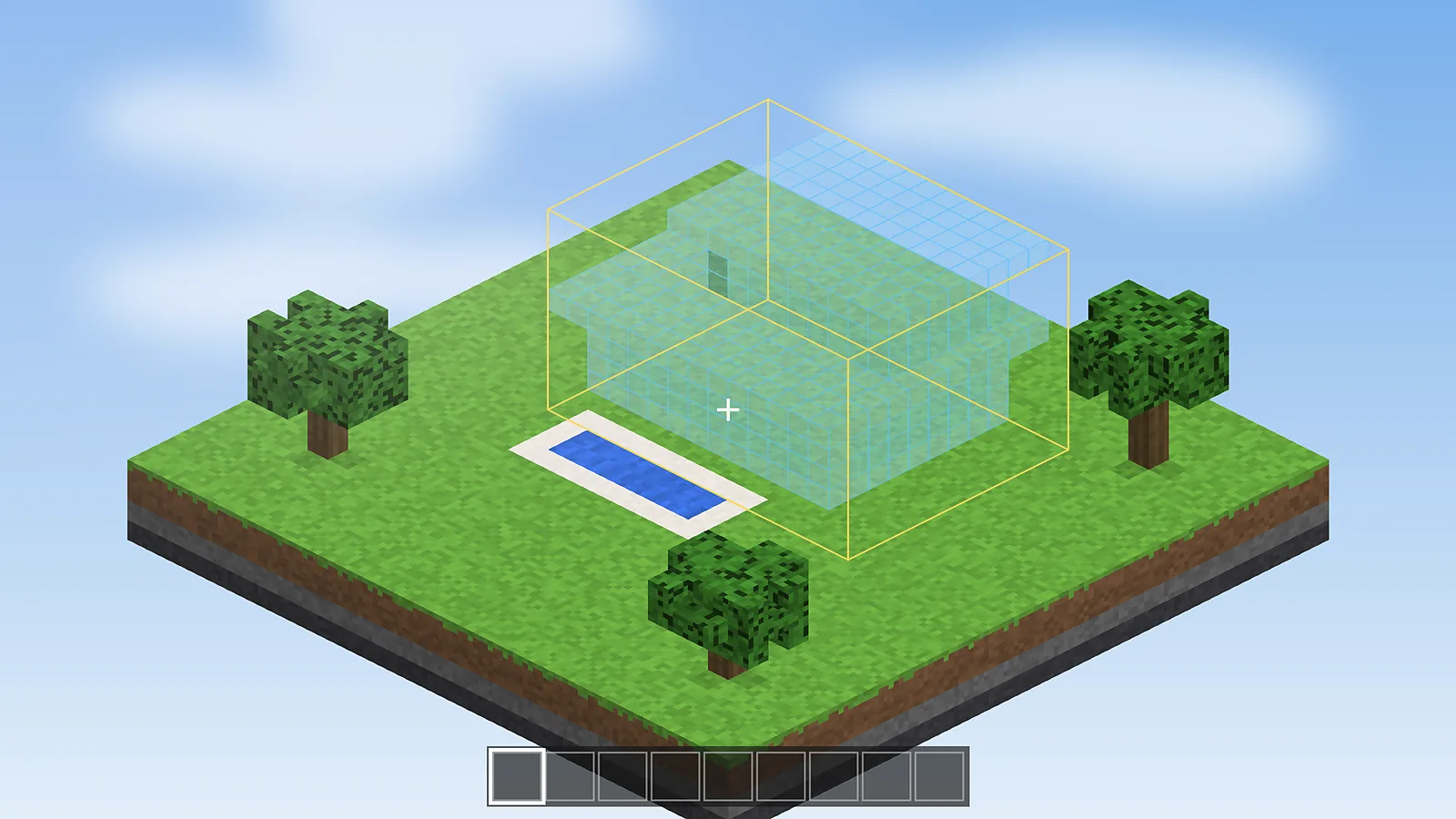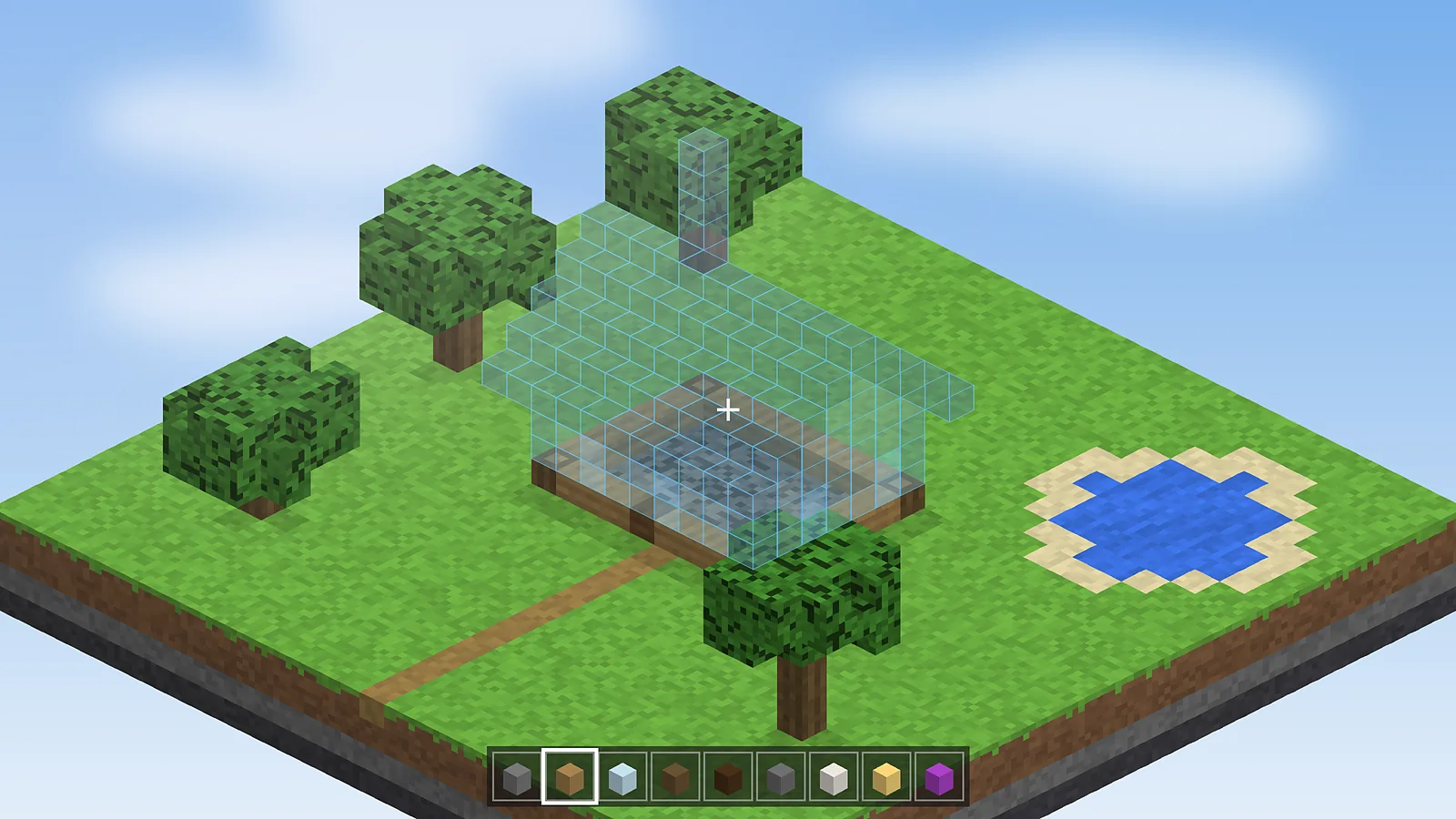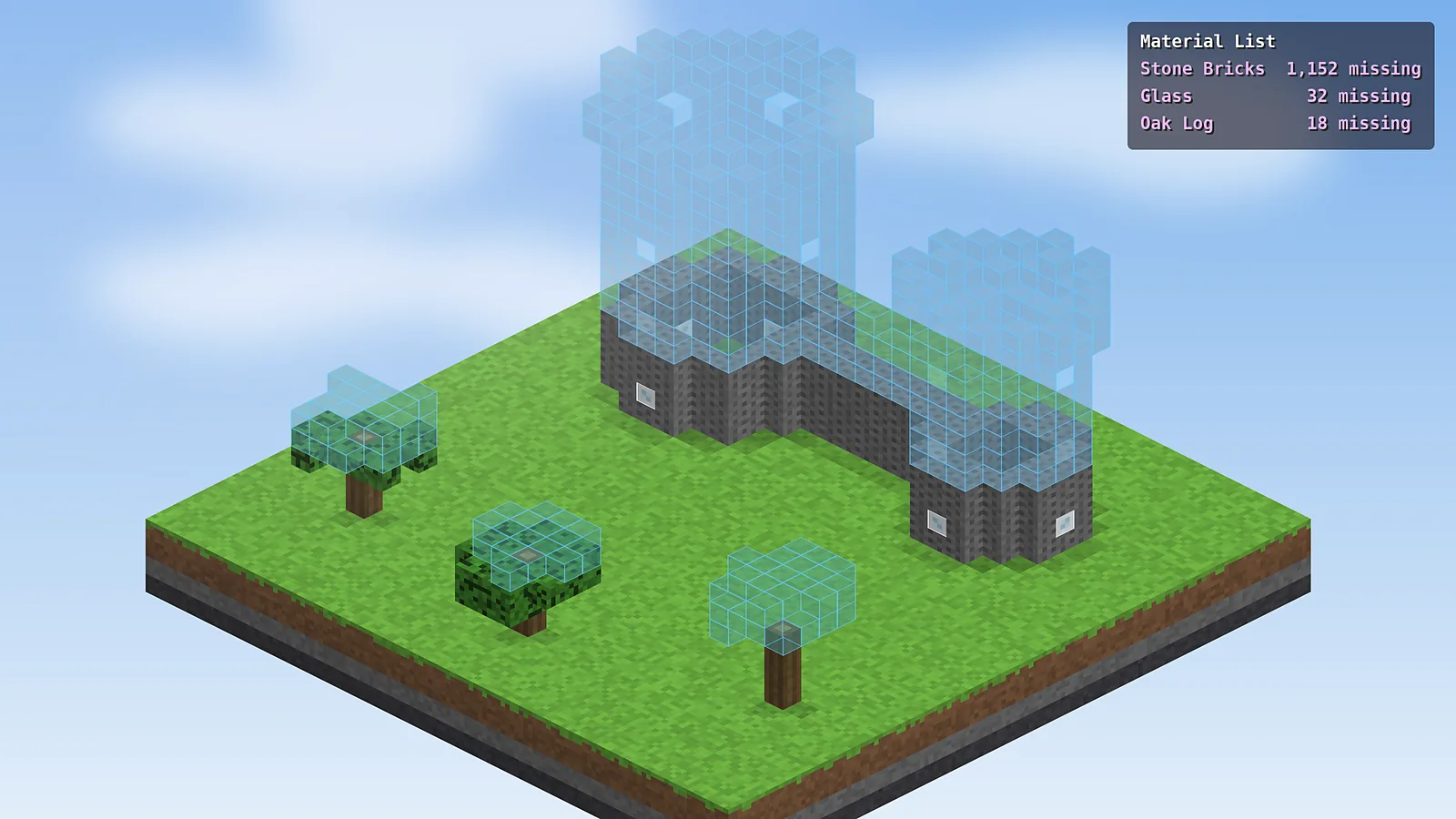
The material list is one of the most useful parts of Schematic Mod. It reads the loaded schematic and tells you exactly how many of each block the build needs, how many are still missing and how many you are carrying.
Open the material list
Load a schematic and create a placement first. Then press M + L, or open the main menu and click Material List. The list is calculated for the placement you have selected.
Read the columns
- Total: every block of that type in the whole schematic.
- Missing: how many are not yet placed correctly in the world.
- Available: how many you currently hold in your inventory.
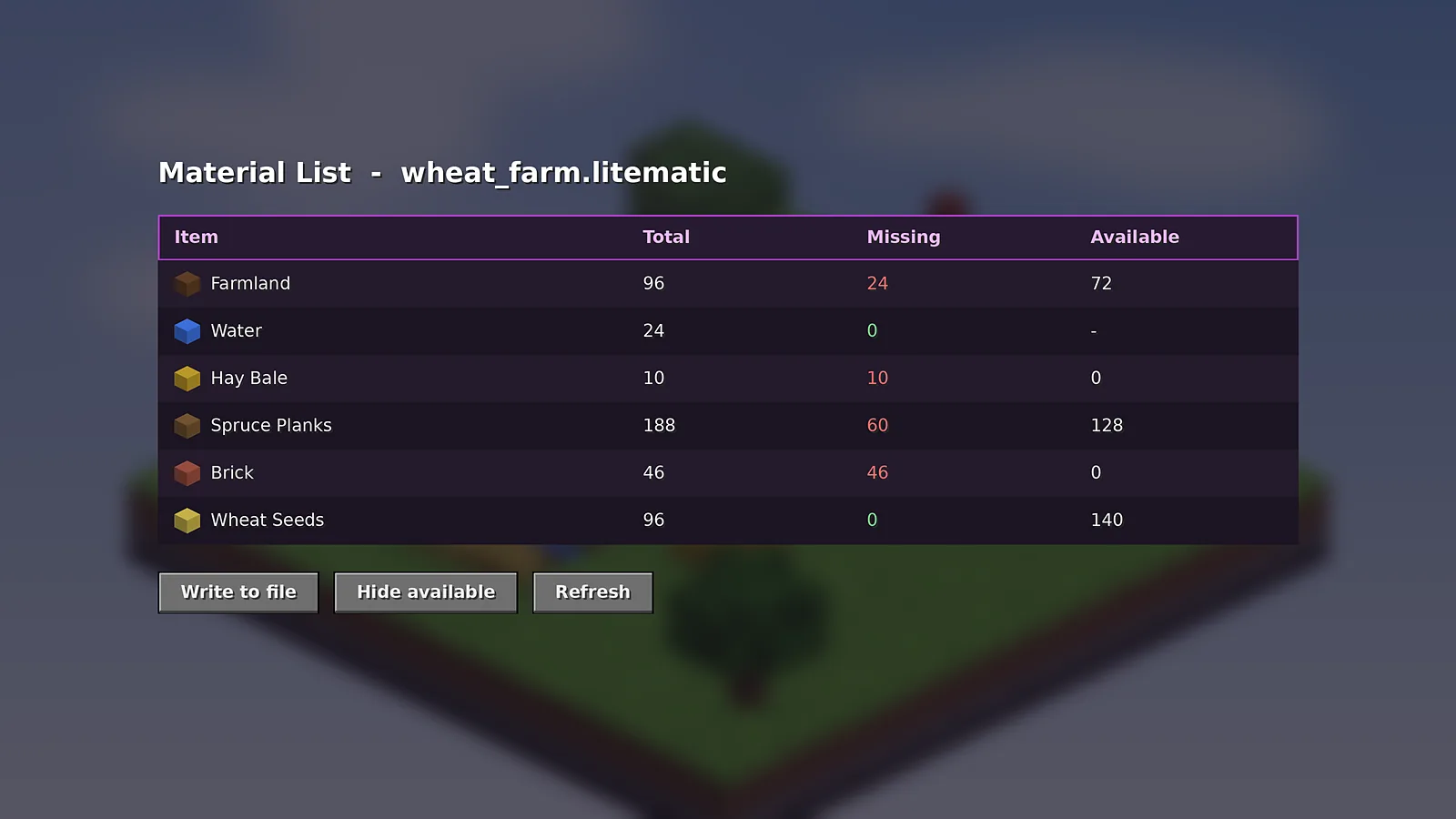
Focus on what is left
Use Hide available to remove rows you already have enough of. The shorter list is easier to take on a mining trip. You can also show the list as an on-screen HUD while you build, so you never have to reopen the menu.
Export it to a file
Click Write to file to save the list as text. Hold Shift while clicking to export a CSV file you can open in a spreadsheet. This is handy for splitting work between friends on a server.
Material list by layer
For huge projects, combine the list with layer rendering. Set the layer range to the next five layers and refresh the list, so you only gather what the next building session needs. Our usage guide explains layer modes in more detail.
Why numbers sometimes look wrong
If a count seems too high, check whether the schematic includes water, air or blocks that drop as different items, such as farmland or grass paths. The verifier in our troubleshooting guide helps confirm what is truly missing.

Schematic Mod Editorial Team
Our editors write practical Litematica guides and check every article against the official Litematica and MaLiLib documentation and release notes. Spotted something outdated? Tell us and we will fix it.