Schematic Mod
Hologram Placement
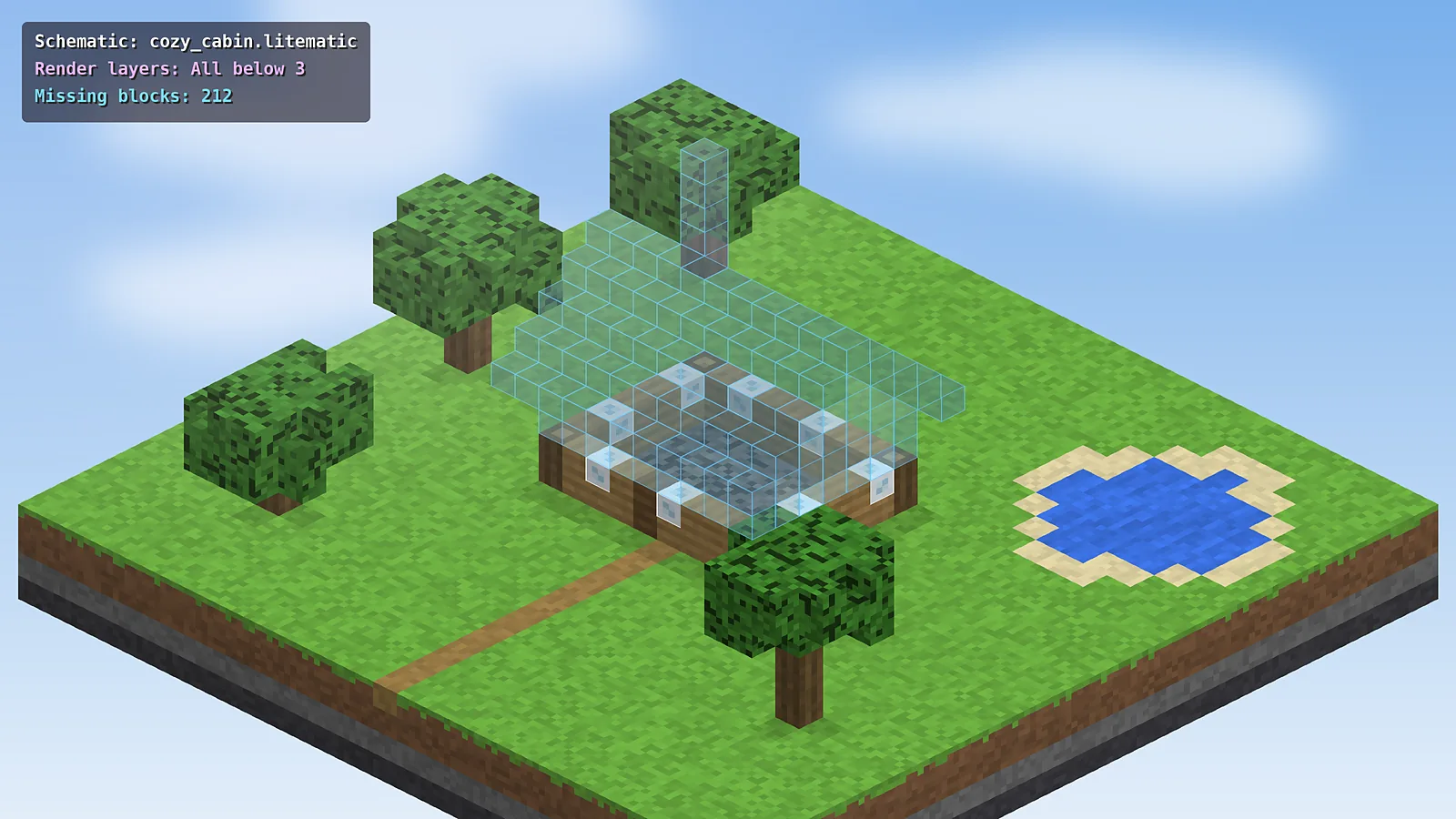
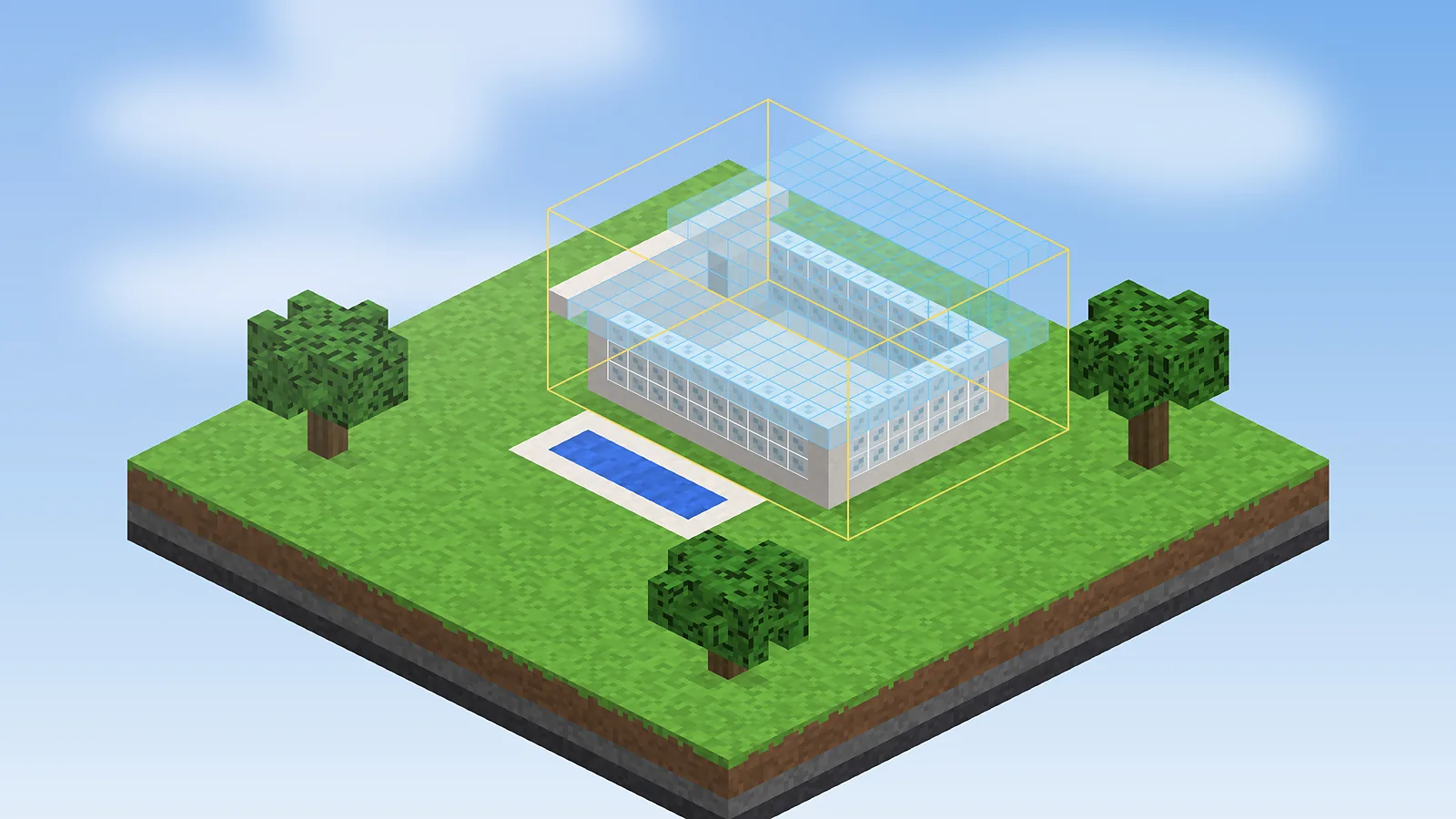
Drop a transparent copy of any build into your world and line it up exactly where you want it, before a single block is placed.
Everything Litematica can do for your builds, how it compares with the alternatives and who it suits best.
Nine tools that turn a saved build into a guided, mistake-free building session.
Drop a transparent copy of any build into your world and line it up exactly where you want it, before a single block is placed.
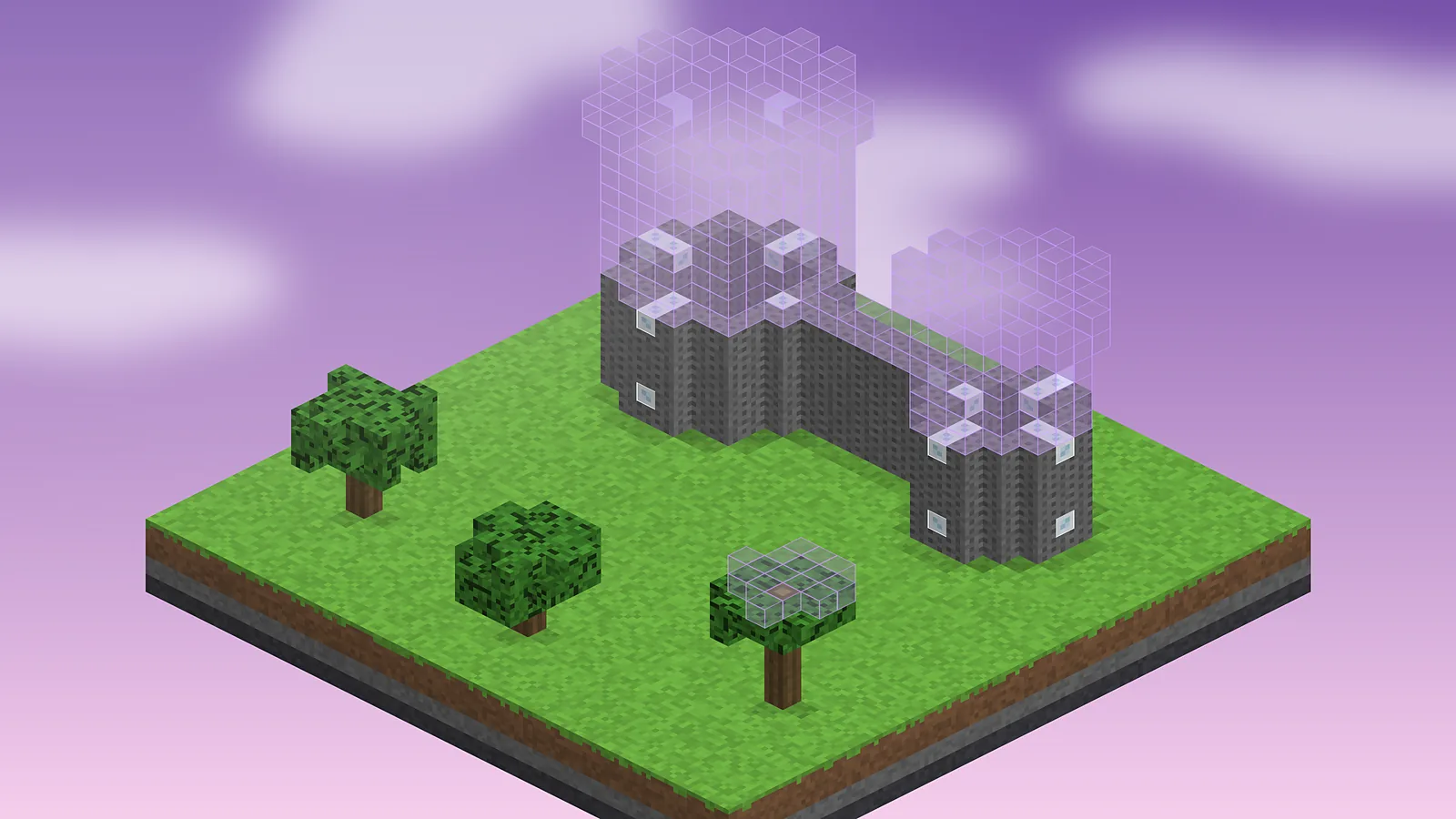
Show one layer, a range or everything below a height so big builds stay readable from the inside.
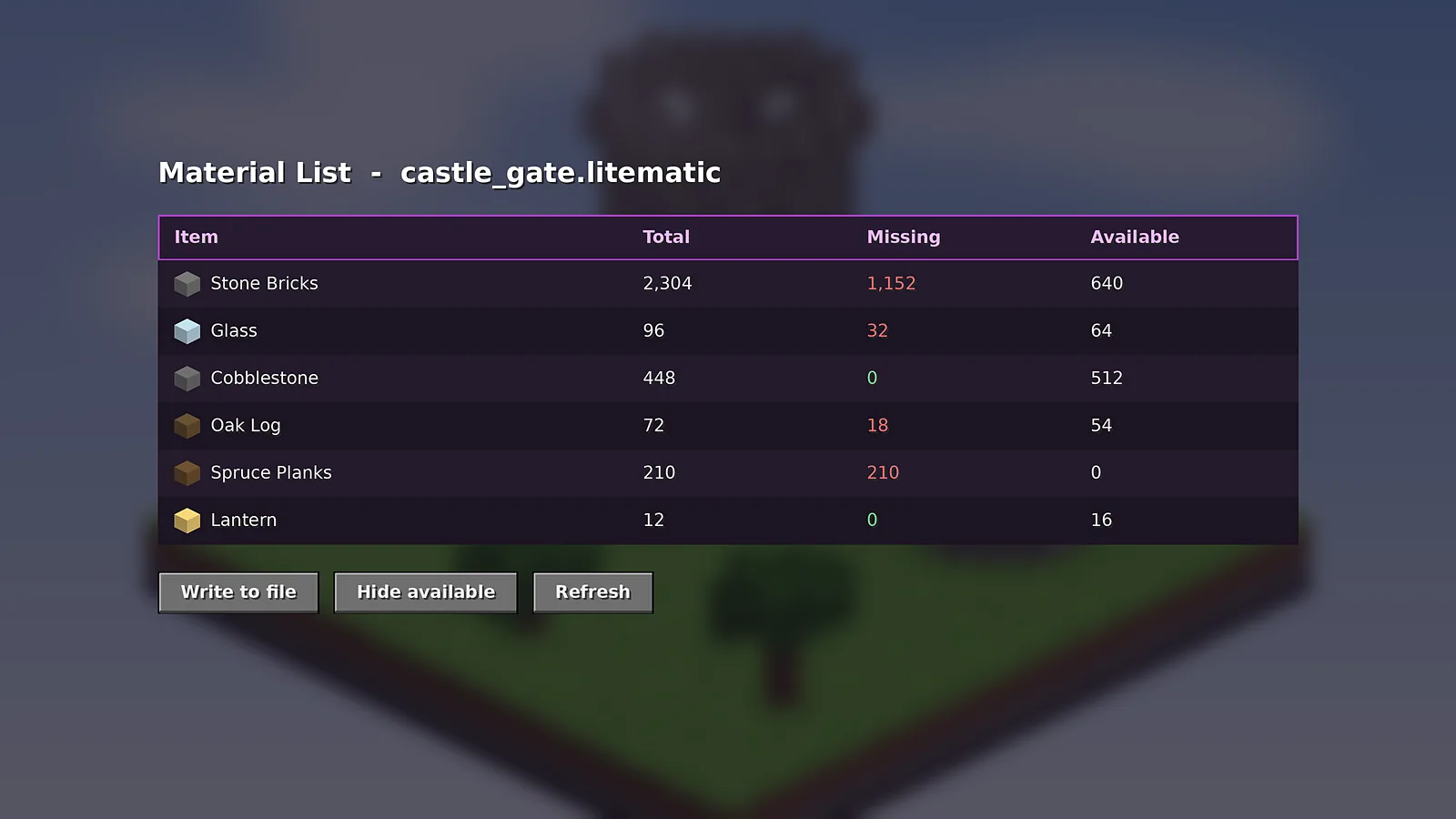
See the total, missing and available count for every block, and export the list to a file.
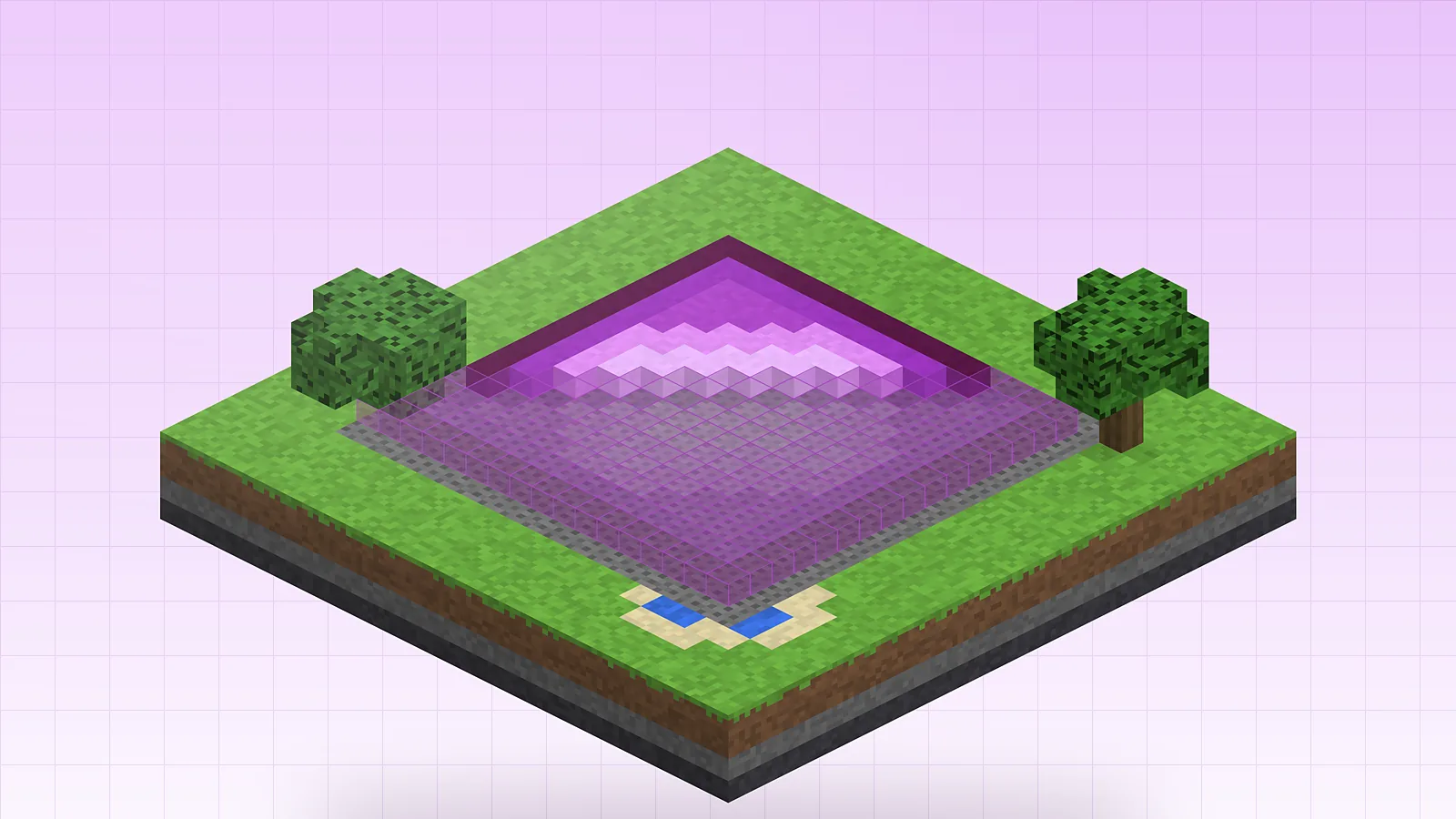
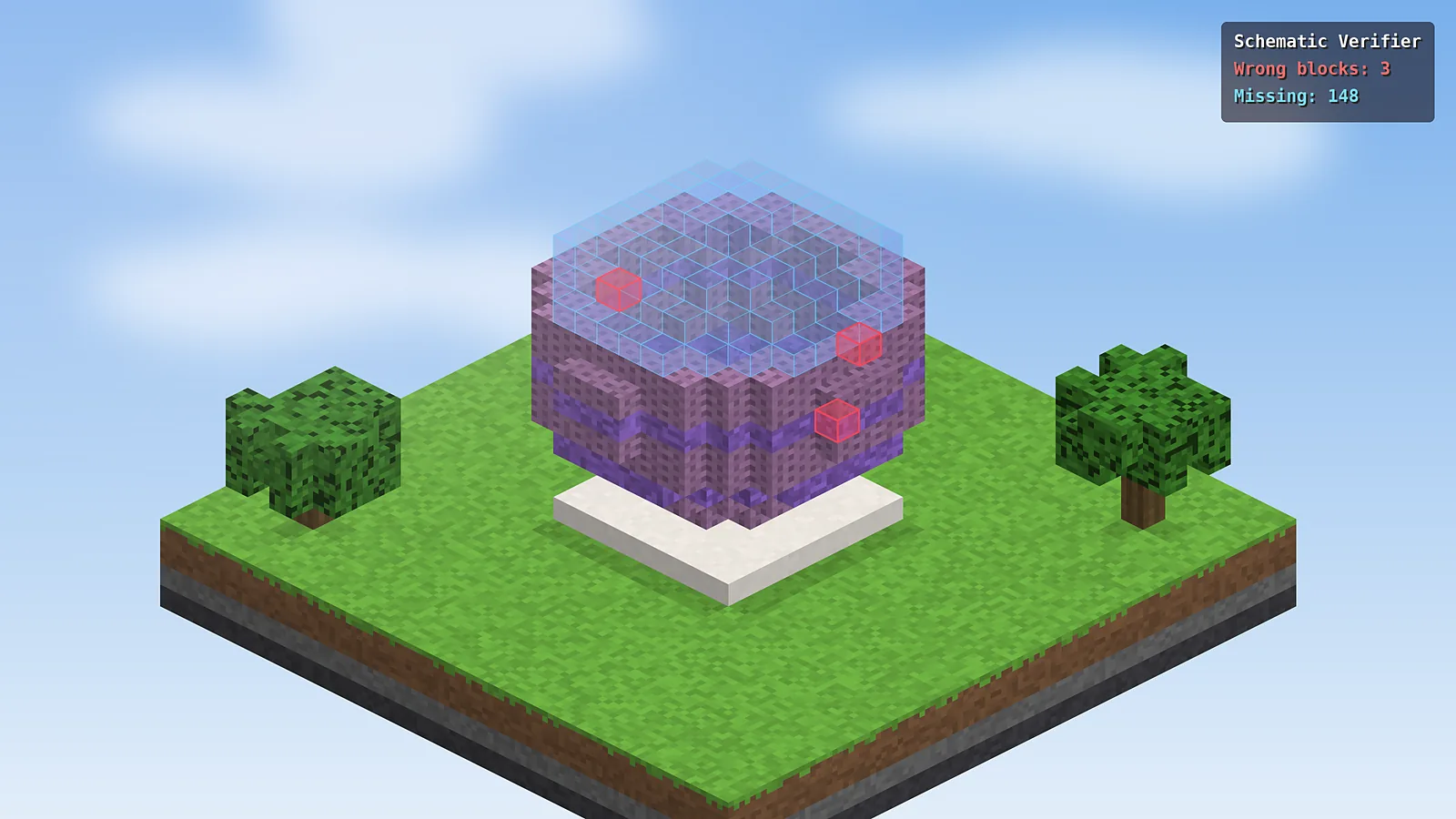
Highlights wrong, missing and extra blocks so mistakes never hide.
Right-click the hologram and the correct block, facing and state go in automatically.
Select an area with the tool item and save it as a portable .litematic file, sub-regions included, ready to share with friends or a whole server.
Fill, replace, delete, clone and paste areas in creative mode without commands.
Turn and flip placements in 90 degree steps and preview the result instantly, so one design fits any plot, coastline or city block you are working with.
Load several schematics at once and toggle each one on or off.
The whole Schematic Mod workflow in five steps, from selecting a build to verifying the copy.
Mark two corners of any build with the tool item to create an area selection.
Save the selection as a .litematic file with blocks, states and sub-regions.
Load the file on any world or computer from the schematics folder.
Position the hologram, then rotate or mirror it to fit your plot.
Fill the hologram and let the verifier catch every wrong block.
Different players, one shared goal: building exactly what was planned.
Recreate famous landmarks at scale and learn symmetry, proportion and planning.
Rebuild survival megabases, farms and castles without losing count.
Map makers and modpack authors ship builds as clean, reusable files.
Server owners and build teams share plans and hand off commissions.
Reproduce identical structures for classroom studies and experiments.
Plan build videos and timelapses with a perfect reference in place.
An honest look at what Schematic Mod does brilliantly and where it asks a little more of you.
How Schematic Mod stacks up against other ways to save and rebuild Minecraft structures.
| Software | Price | License | OS Support | Features | Rating | Pros | Cons |
|---|---|---|---|---|---|---|---|
| Litematica | Free | LGPL-3.0 | Win, macOS, Linux | Holograms, verifier, material list | 4.8 | Modern and precise | Needs MaLiLib |
| Schematica | Free | Open source | Win, macOS, Linux | Holograms, printer | 4.0 | Simple and classic | Stopped at 1.12.2 |
| WorldEdit | Free | GPL-3.0 | Win, macOS, Linux | Copy, paste, brushes | 4.6 | Fast editing | No hologram guide |
| Axiom | Free | Proprietary | Win, macOS, Linux | Editor tools, blueprints | 4.5 | Powerful editor | Server plugin needed |
| Structure Blocks | Free | Built in | All Java platforms | Save and load structures | 3.7 | No mods required | Size limits |
| Amulet Editor | Free | Open source | Win, macOS, Linux | World editor, conversion | 4.2 | Edits Bedrock too | Runs outside game |
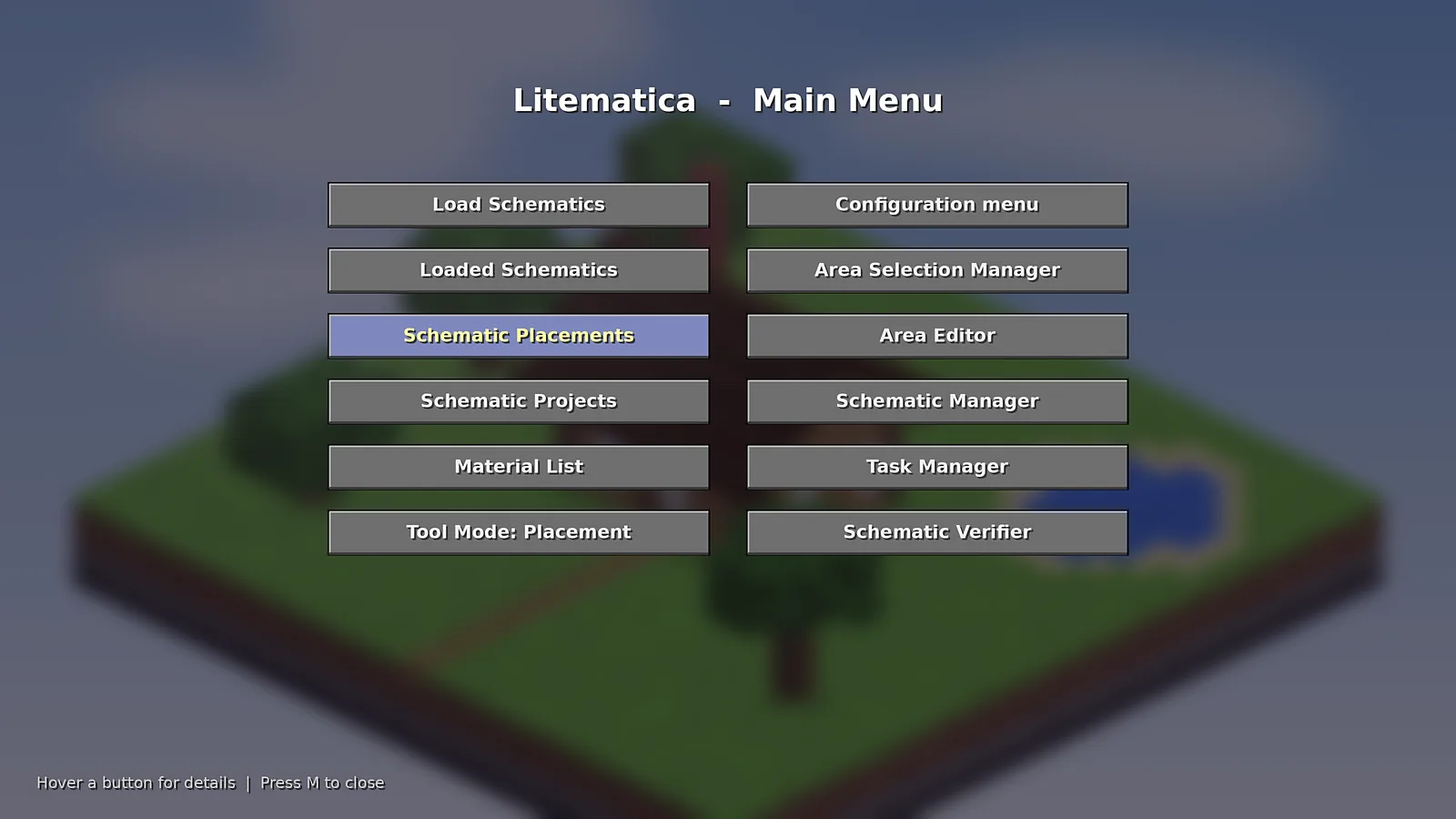
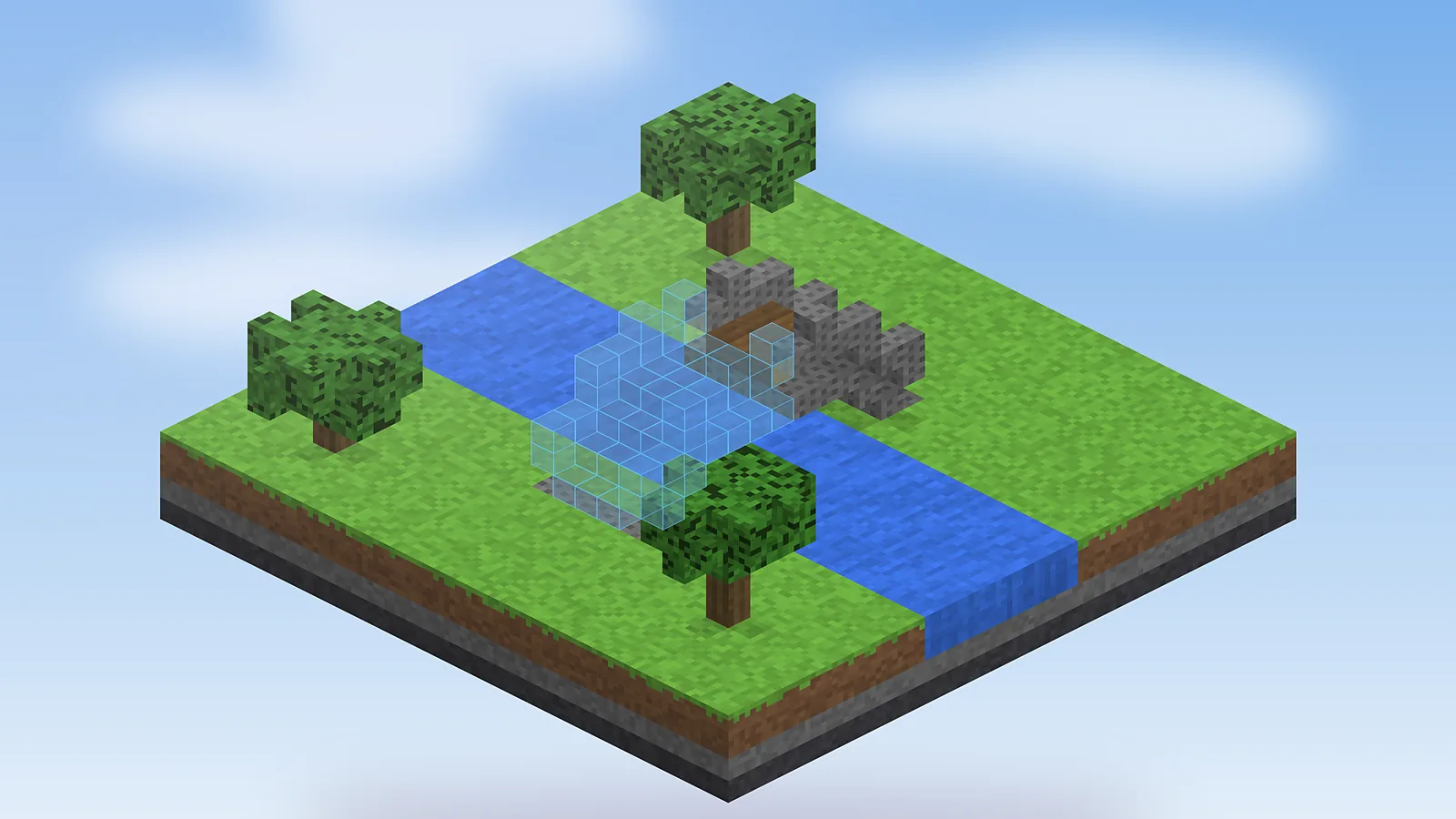
Holograms, menus and tools as they look in game. Click any image to enlarge it.