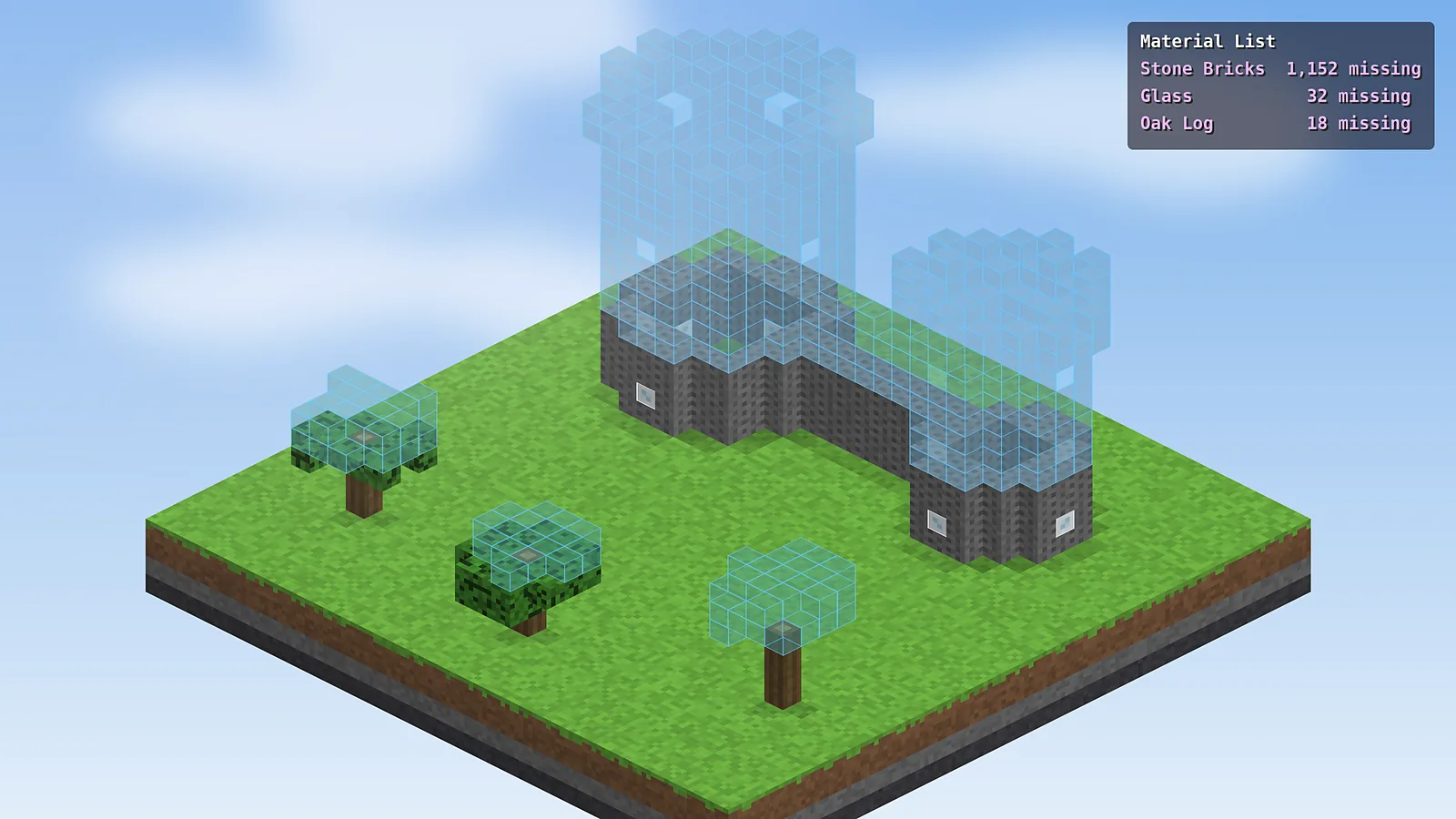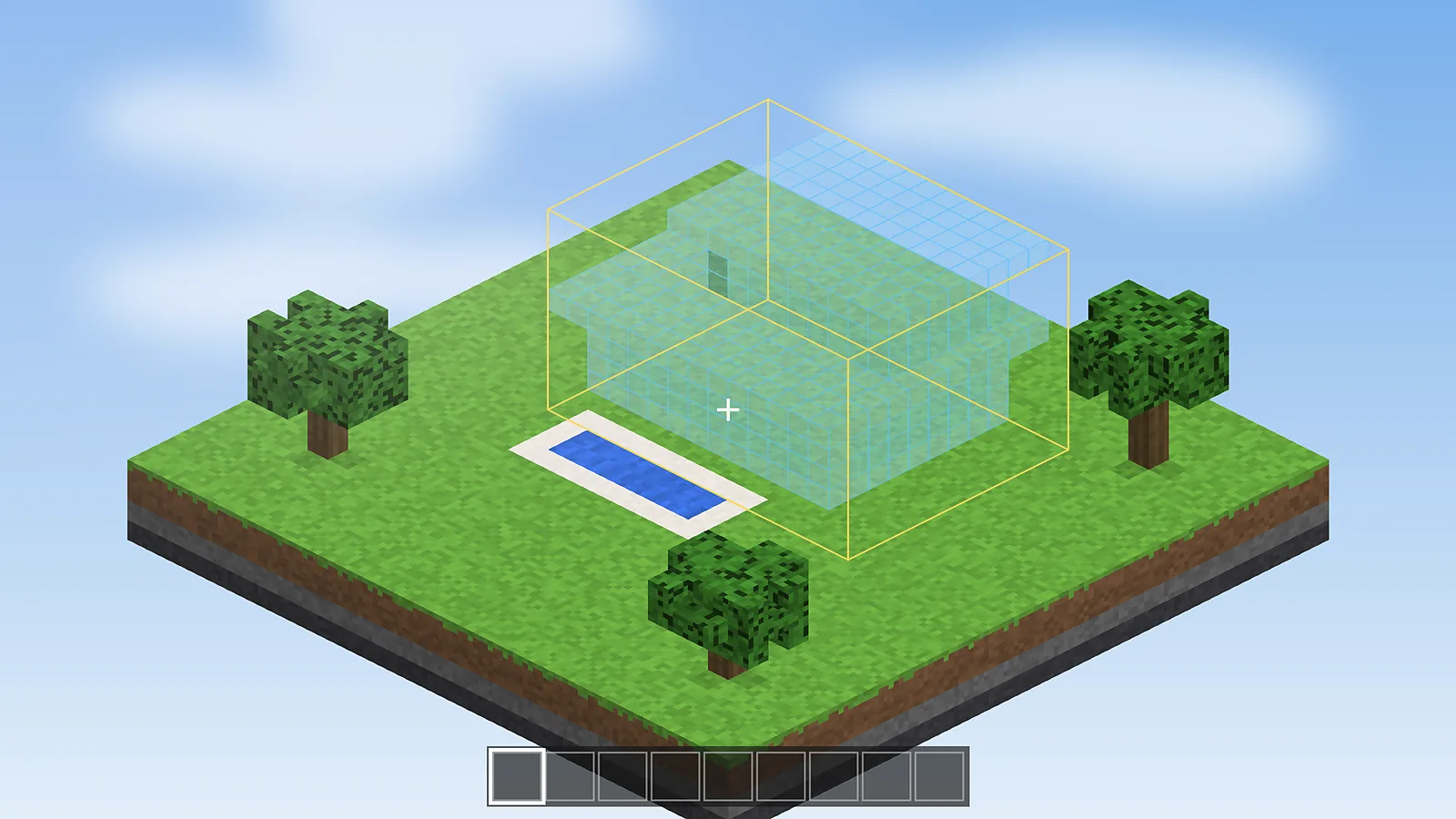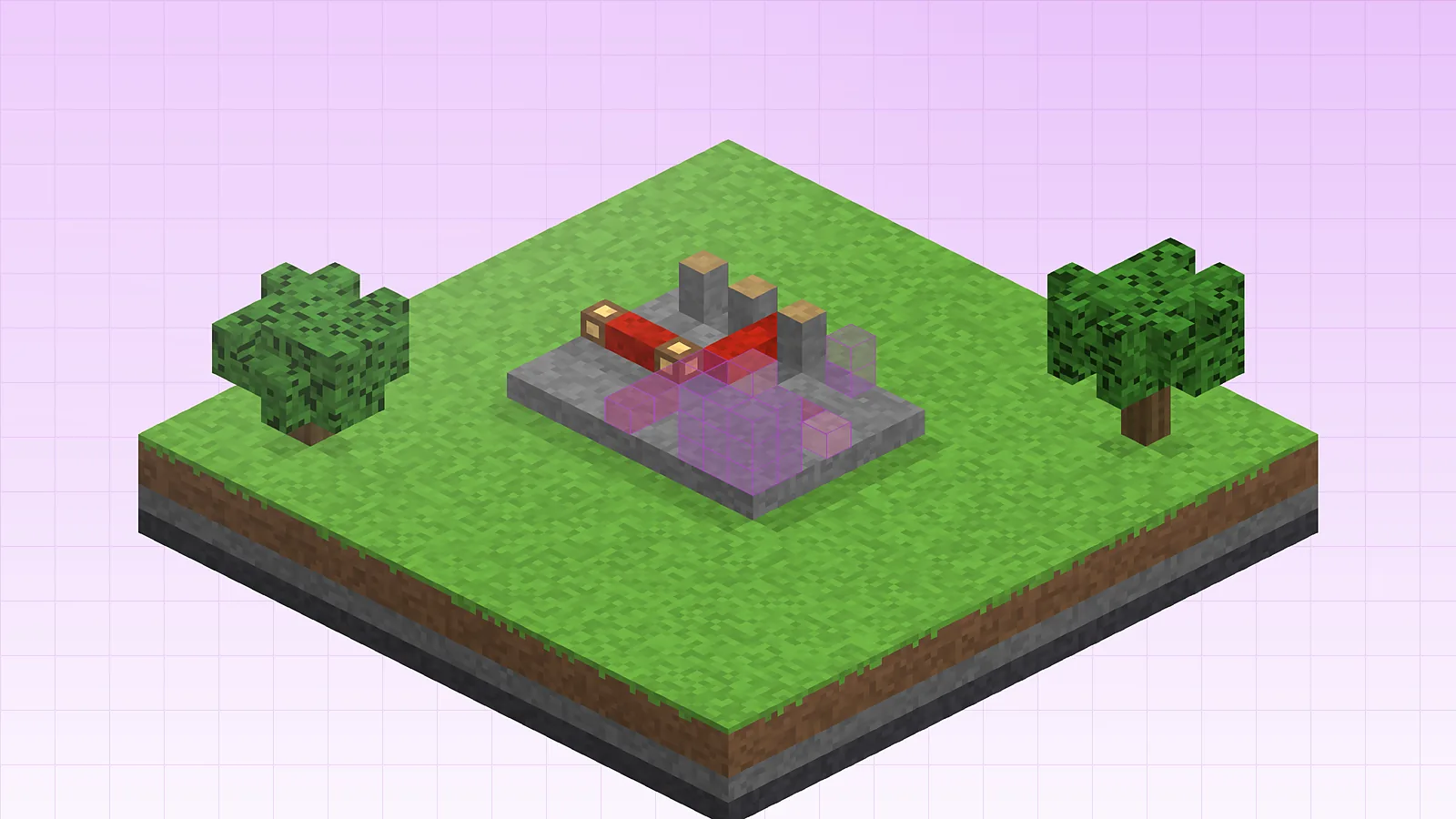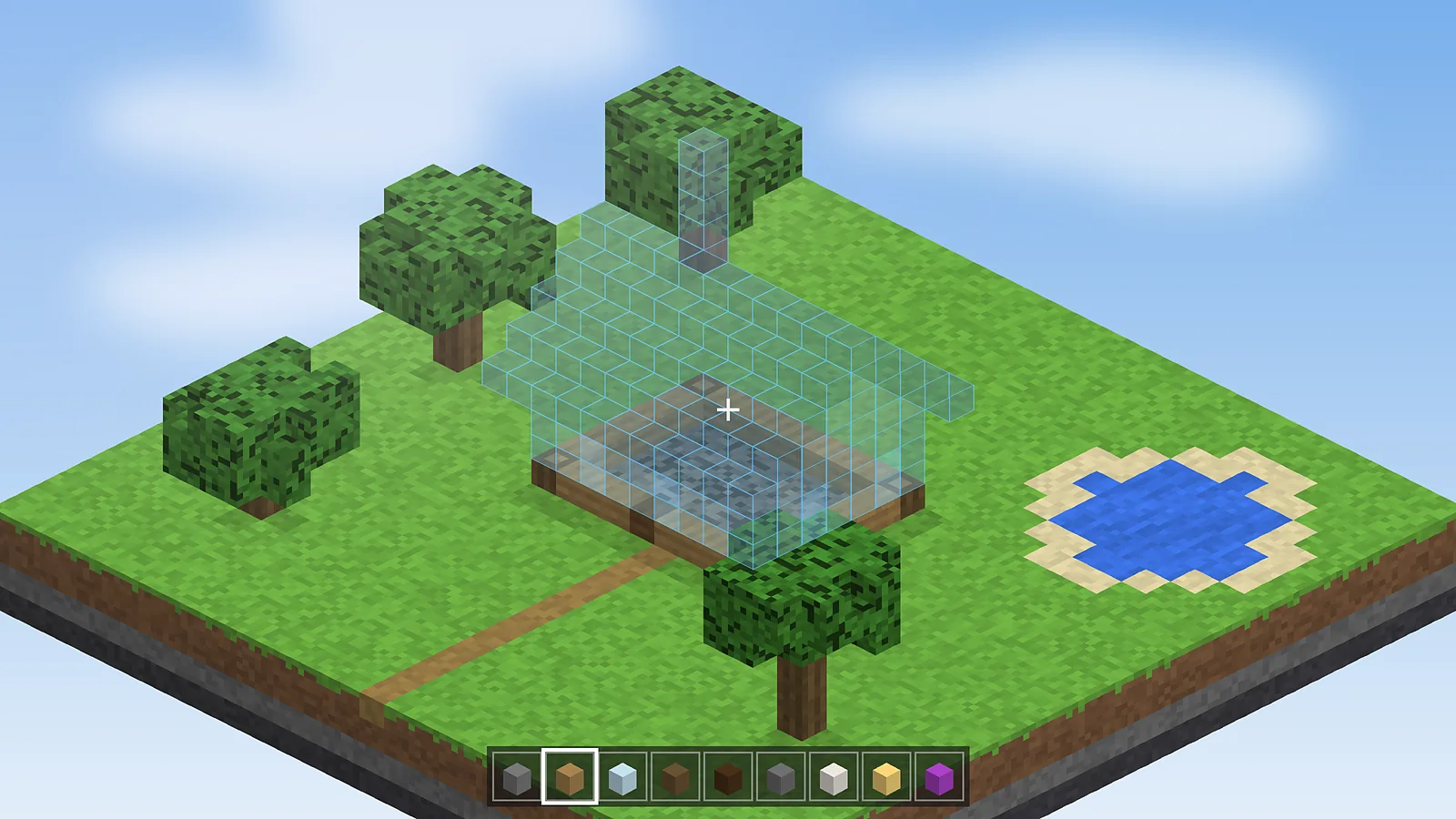
Placing stairs, logs and redstone parts with the correct rotation is the slowest part of copying a build. Easy Place Mode in Schematic Mod fixes that. You click the hologram and the mod places the block exactly as the schematic expects.
What Easy Place does
With Easy Place on, a right click on a ghost block places the matching block from your hotbar with the right facing, half and orientation. It also prevents you from placing blocks outside the schematic, which keeps the build clean.
How to enable it
- Press M + C to open the configuration menu.
- Open the Generic tab and find easyPlaceMode.
- Set it to true, or bind a hotkey so you can toggle it while building.
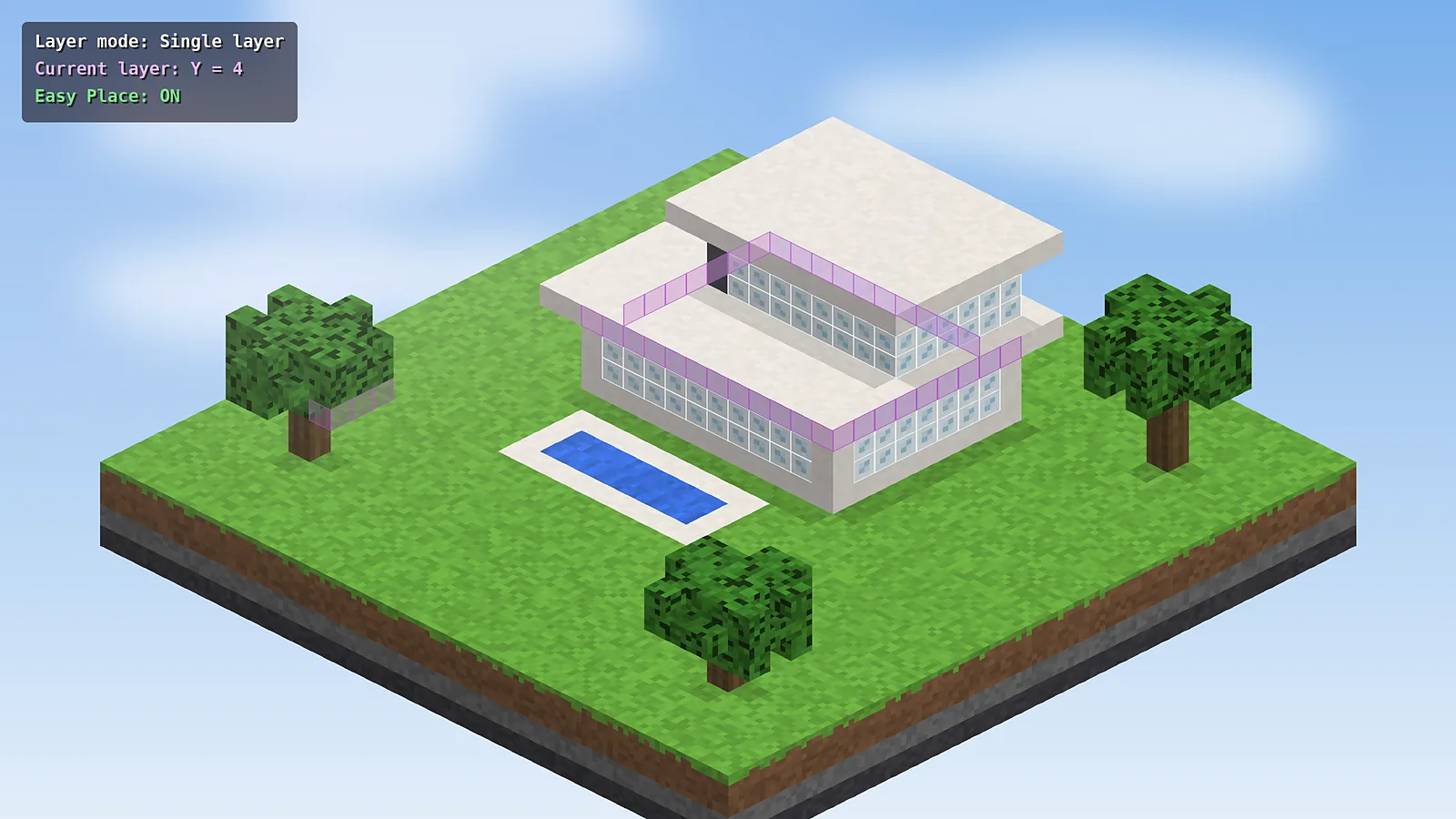
Use it with layer rendering
Switch the render layer mode to Single layer before you start. Each click then targets the layer you are working on, and upper layers do not block your view. Move up with Page Up when a layer is finished.
Keep the right blocks in your hotbar
Easy Place only uses blocks you carry. Check the material list and fill your hotbar with the blocks for the current layer. The pick-block option can also swap in the right item for you.
When to turn it off
Disable Easy Place when you want to build freely outside the hologram, for example when adding terrain or decorations. A hotkey toggle makes switching fast.
New to the mod? Start with the install guide and learn the rest of the keys in the hotkeys guide.

Schematic Mod Editorial Team
Our editors write practical Litematica guides and check every article against the official Litematica and MaLiLib documentation and release notes. Spotted something outdated? Tell us and we will fix it.